
Public vulnerability data
Check the record and the affected versions.
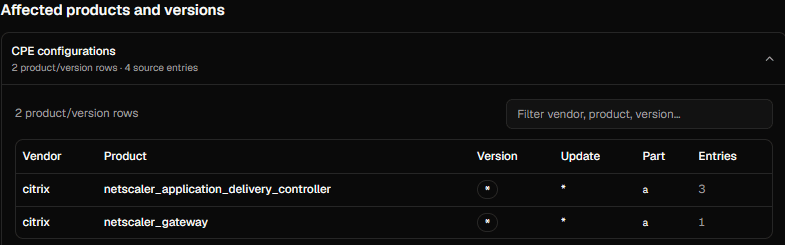
Search by CVE ID, vendor, product, or keyword. Filter and sort the results, review CVSS and CISA KEV status, then open a record to compare affected vendor, product, and version entries with your inventory.
Create a workspace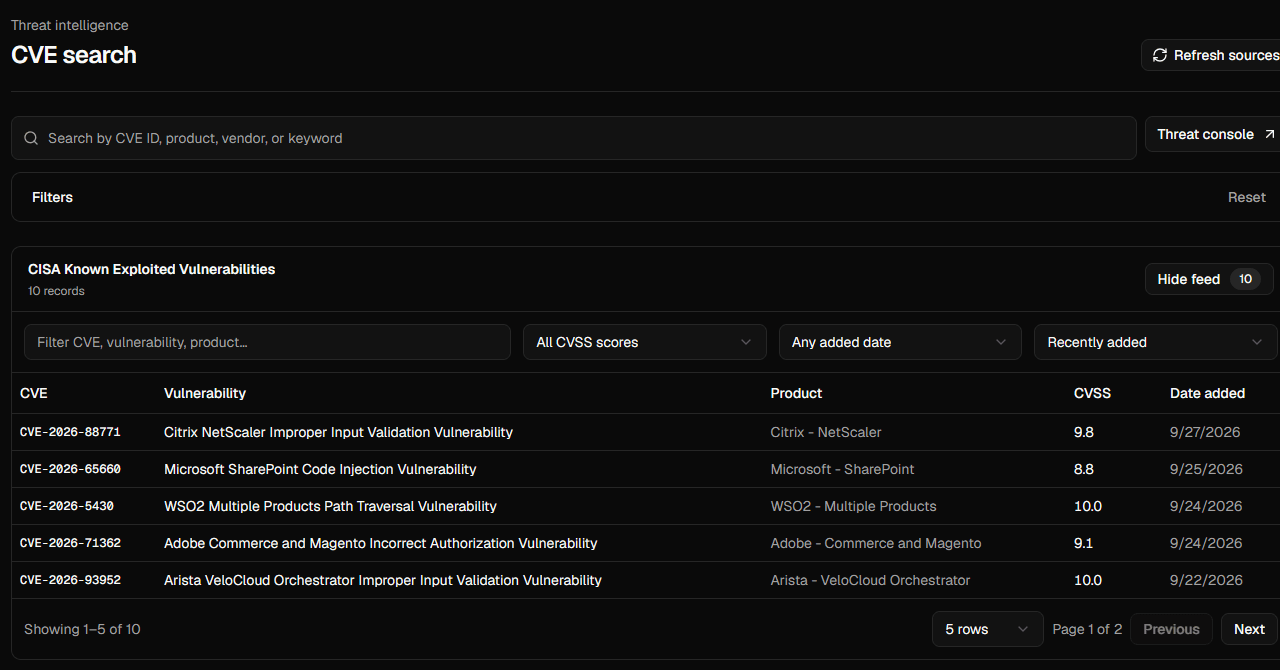
Workflow
How it works
- 01Search by CVE, vendor, product, or keyword.
- 02Filter public records by severity, year, and KEV status.
- 03Open a CVE to inspect affected product and version entries.