Asset inventory
Keep ownership and environment details with each asset, then search and filter the inventory.
See assets SECYOURFLOW
Cyber risk operations
Track assets, review vulnerability and CVE records, assign remediation work, and keep risk and compliance activity connected.
Security overview
The dashboard brings asset totals, priority findings, known-exploited records, and risk breakdown into one place. Open a finding to continue into its asset and remediation context.
Illustrative sample workspace and records.
Explore the workspace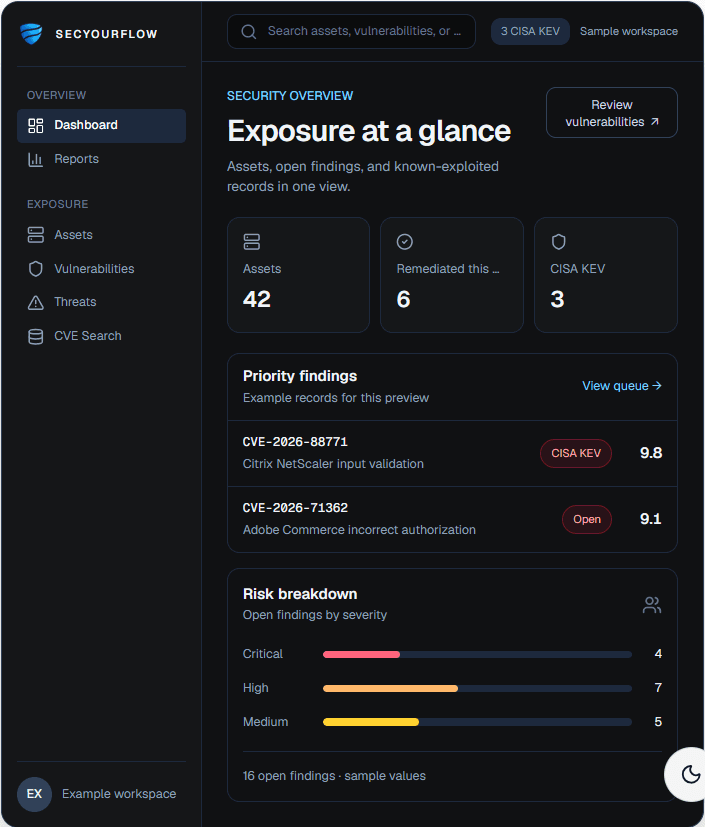
Explore the workspace
Keep ownership and environment details with each asset, then search and filter the inventory.
See assetsTrack severity, status, ownership, affected assets, and due dates for findings.
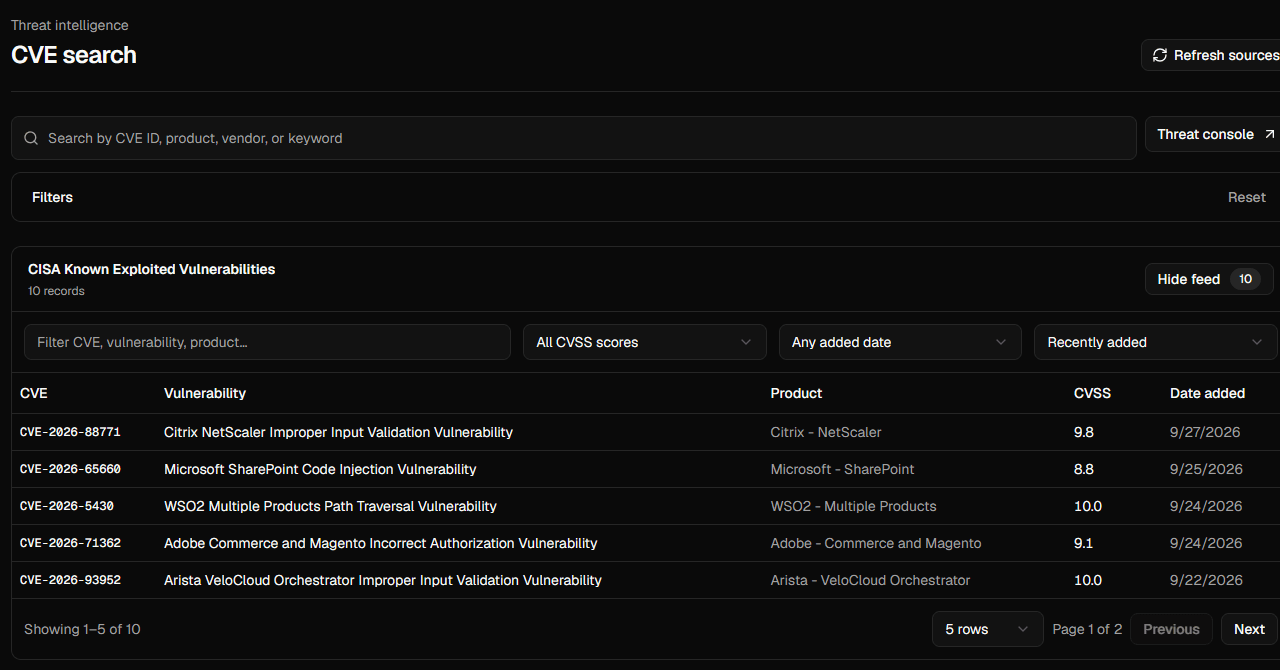
See vulnerabilitiesSearch public vulnerability records and CISA KEV entries, then inspect affected products and versions.
See cve searchCoordinate vulnerability fixes with owners, plan status, deadlines, and verification evidence.
See remediationReview CISA KEV context, indicators, ATT&CK views, and matched assets in the threat workspace.
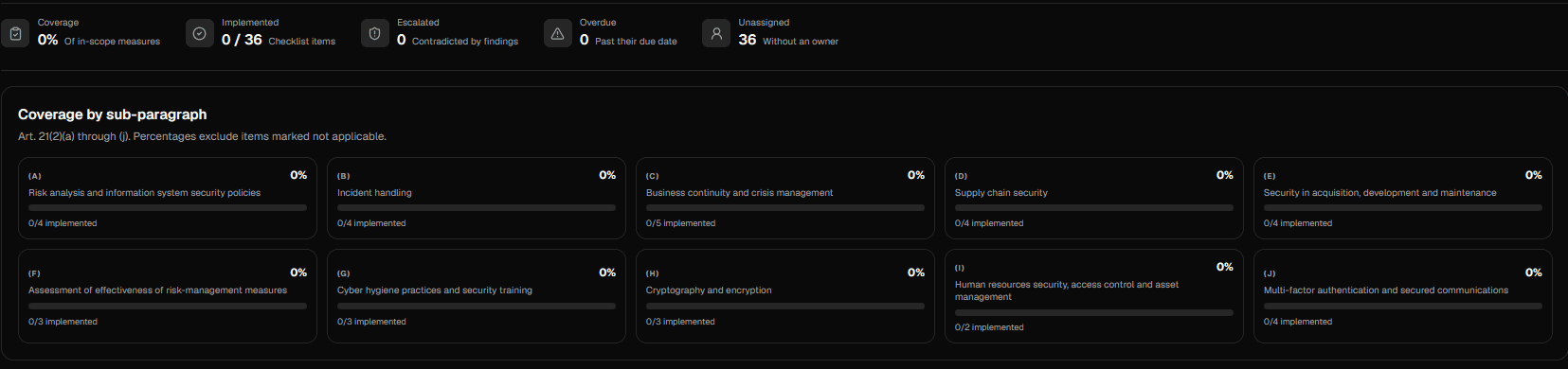
See threat intelligenceConnect risk records, policies, framework controls, evidence, and NIS2 checklist work.
See risk & complianceUse AI for risk assessment and field suggestions with redaction and human-review controls.
See ai assistanceProduct screens
These are sections of the SecYourFlow workspace. Public CVE records shown in the search preview come from the supplied app screen.
AI with review controls
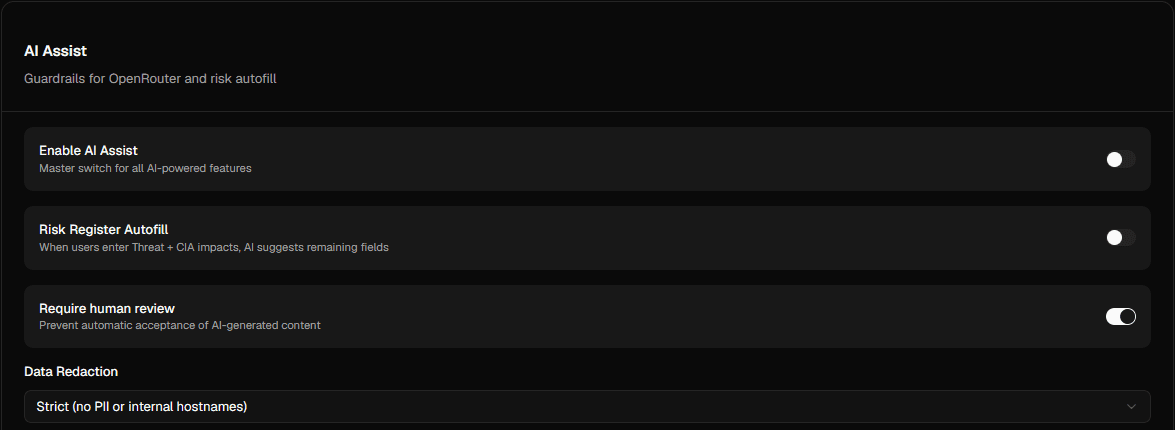
When an asset is linked to a vulnerability, SecYourFlow can run an AI-assisted risk assessment. Risk Register Autofill can suggest fields from the threat and CIA impacts.
Teams can require human review before AI-generated content is accepted. Data-redaction settings let administrators control what context is sent for analysis.
Use the product screens above to see how SecYourFlow organizes the work.